Here you go Pokarose. I didn't want to post this fixed version in the other thread because I want to only any more images on that thread. To try to keep all the pictures confined to this thread as much as possible.
Anyway, this is the changes as made to my files.
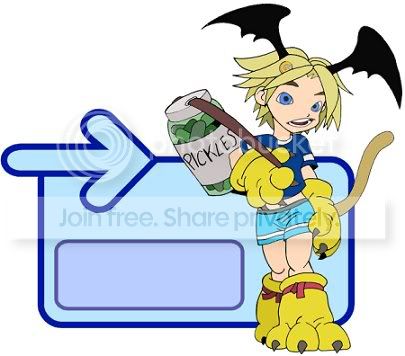
This is a .jpeg file. There is compression to the image, but the effect is minimalized by my using solid colors instead of a lot of shading. Problem is that when you make repeated changes to that file and resave the image will begin to look worse and worse. What you did to the image when you recolored it yourself was you saved it as a .gif. A gif file is certainly the most web friendly image format there is, but it is meant for as little color as possible. If you zoom in on your altered image that you did you will see a bunch of little dots. As you continue to save it will become evan worse than if you did the same thing to a .gif file.
What I can do is email you a bitmap (.bmp) version of the file. You can't use that to post online because the file size is too large. What you do though is make a copy of the file and do your adjustments to that. Save that adjusted image as a .jpeg (not .gif). That way you still have the bitmap version available as your template. The bitmap doesn't have problems with compression like the other two formats.
Hopefully that is clear. The just of it is-Avoid saving as .gif files. I will email you .bmp to be used as a template. Just make a copy on your paint program and do your changes to that and save as a .jpeg.





 Reply
Reply