I've seen a fair amount of questions, mainly from the new people about how to put a picture in your signature, so I made this fairly simple tutorial. I hope it'll help those who don't know how to do this.
First of all go to photoshack.us or Photobucket.com
If you're going to Photoshack, click on browse
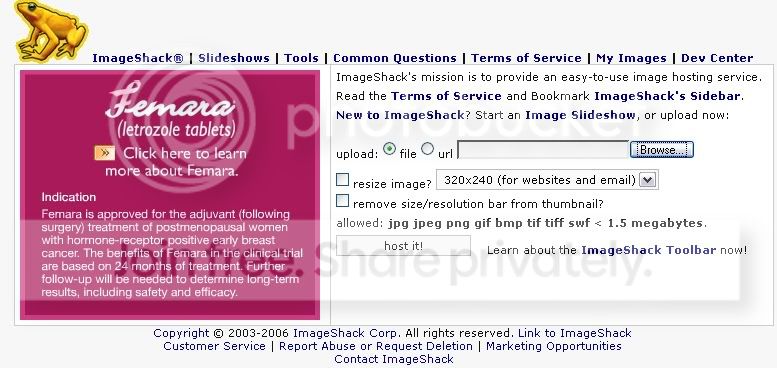
If you're going to Photobucket, you must first register and then upload using browse.

The second step is the find the file you'd like to upload and then double click on it. It will be uploaded.
If you're using photoshack, this is the screen you will get once uploading.
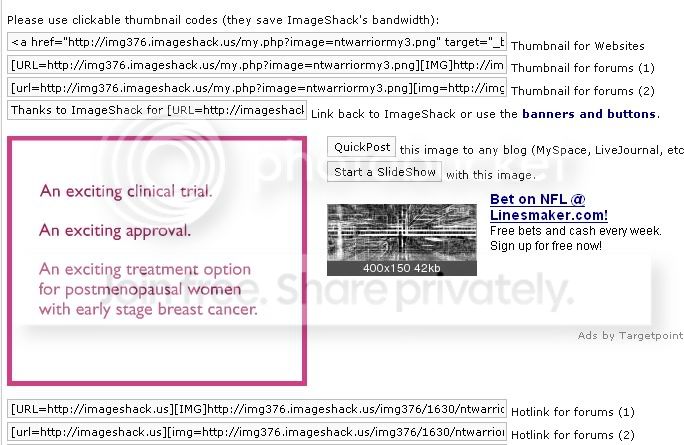
Lots of lines: which one to use? Don't use the ones above the "Slideshow", those will only show a little thumbnail. I will be using the one labeled "Hotlink for Forums (1)"
Click and highlight the entire strip and then press Ctrl+C to copy.

Now, in photobucket, the process is a lot easier. Once uploaded, you'll see this:
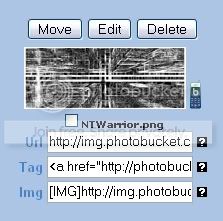
Just highlight the one with the [code:1]

[/code:1] tag, like so:
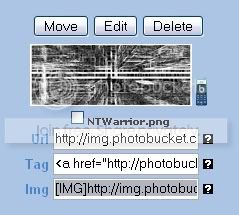
Again, hit Ctrl+C to copy.
Now go back to Gaia and to the "My Gaia" Page.

Click on account and it'll bring up this page
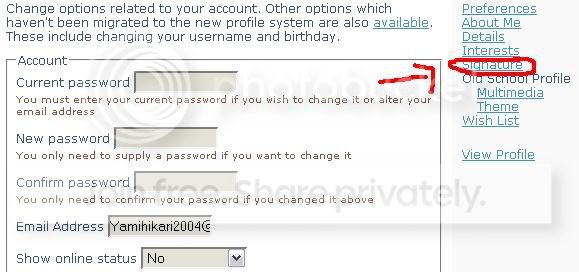
Hit Signature, and then you get to see this.
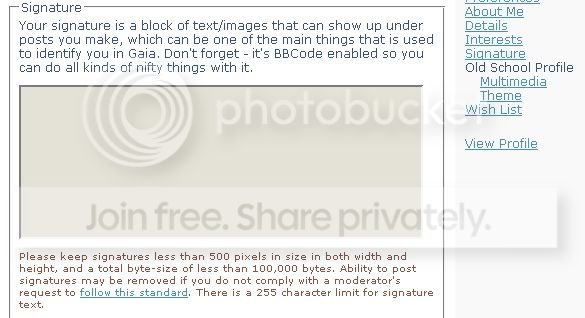
Hit Ctrl+V to paste the image code into the signature box.
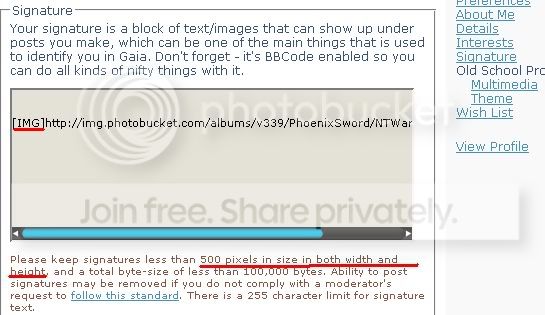
Once the code is in there, hit submit, and you're done.


 50
50
 250
250
 200
200
